Make use of our free promotional materials to effectively promote your participation in the trade fair, invite customers and attract more visitors to your stand.
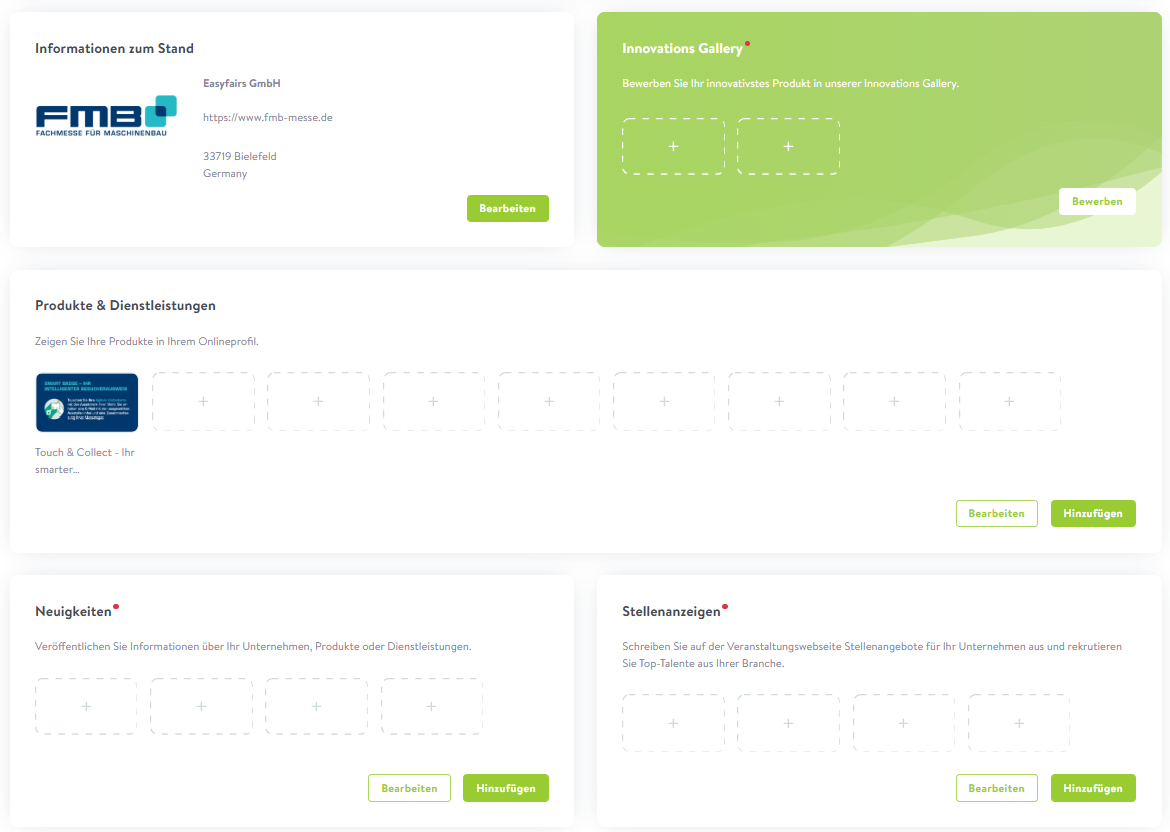
1. Company profile on MyEasyfairs
Set up your profile on MyEasyfairs and showcase your company to its best advantage in the FMB exhibitor catalogue.
By including your logo, concise descriptions of your products and services, and details of your innovations, you’ll significantly boost your visibility. This gives visitors a clear, professional impression of what you have to offer – and enables them to prepare specifically for their visit to the trade fair.
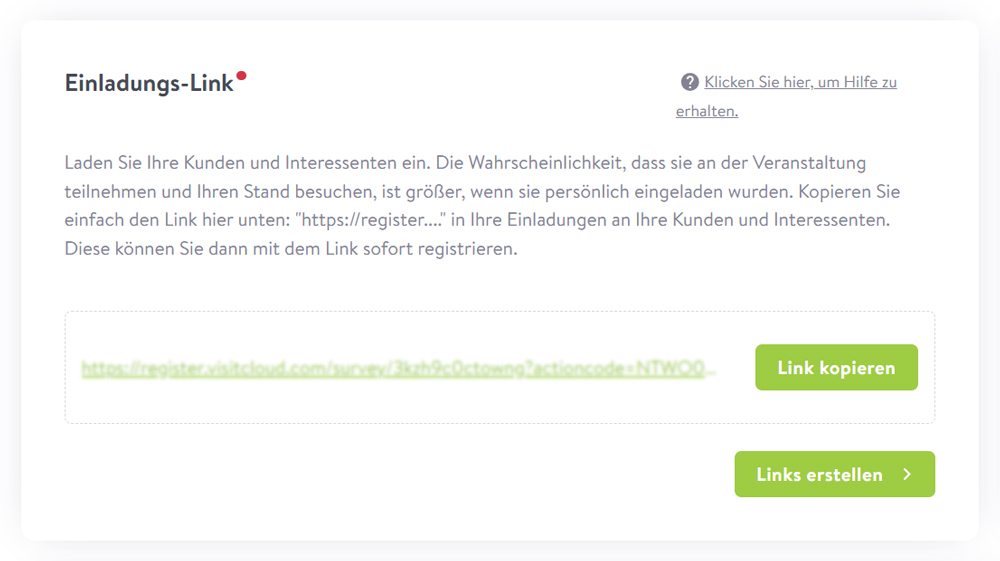
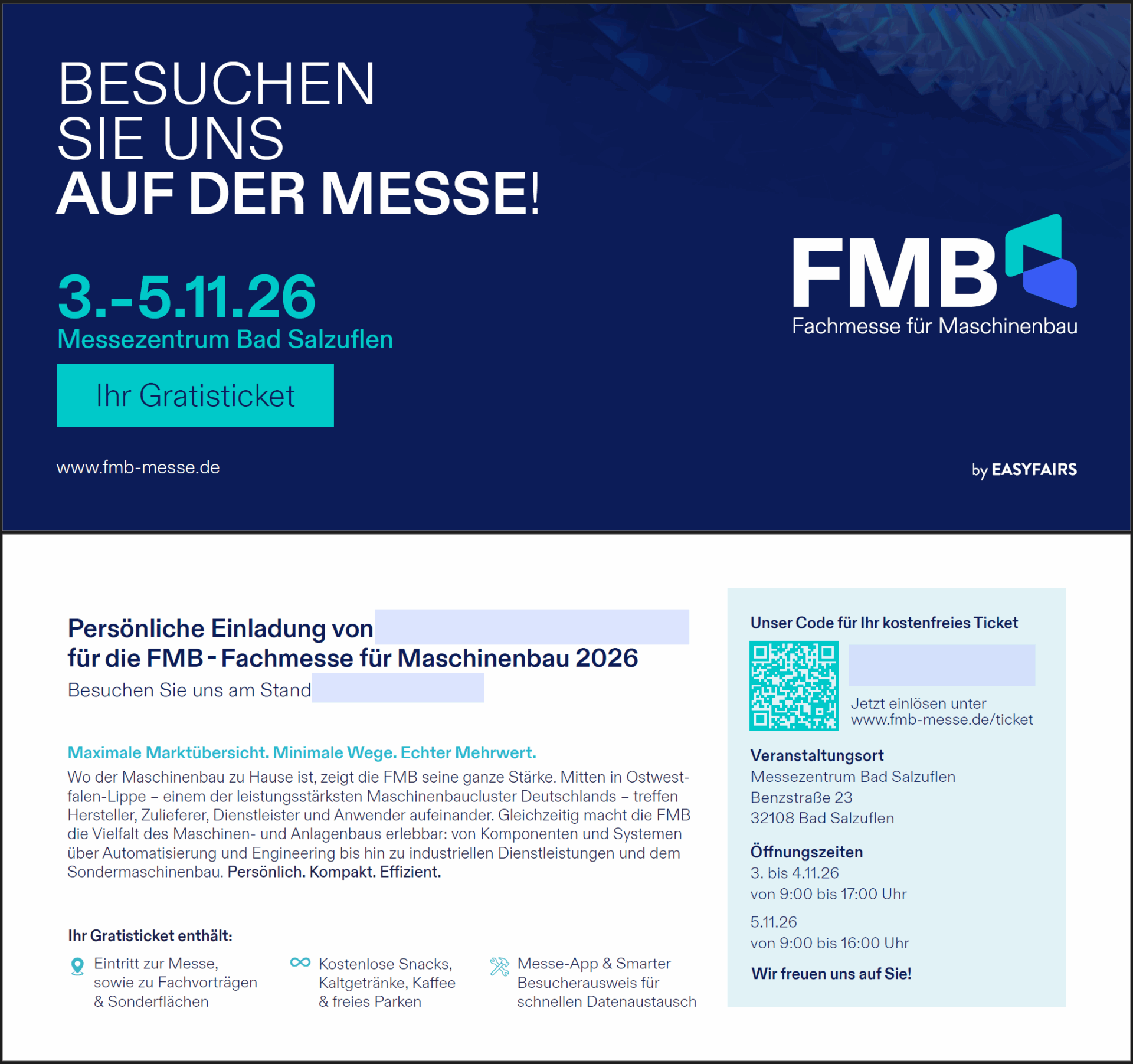
Invite your customers directly using your personal invitation code or link. All visitors who register via this link will automatically appear in your MyEasyfairs profile – ideal for getting in touch early on and for your pre- and post-exhibition follow-up.
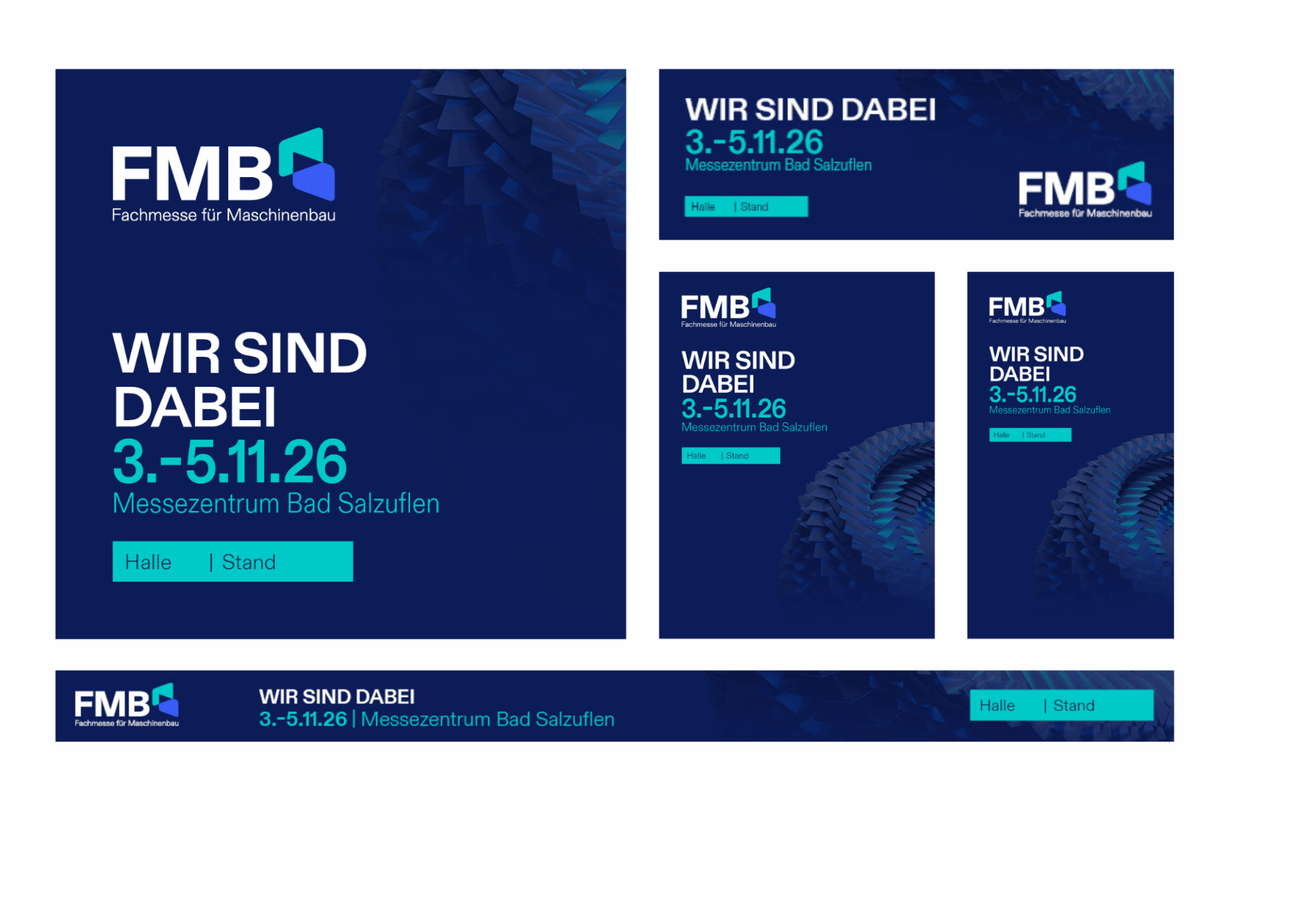
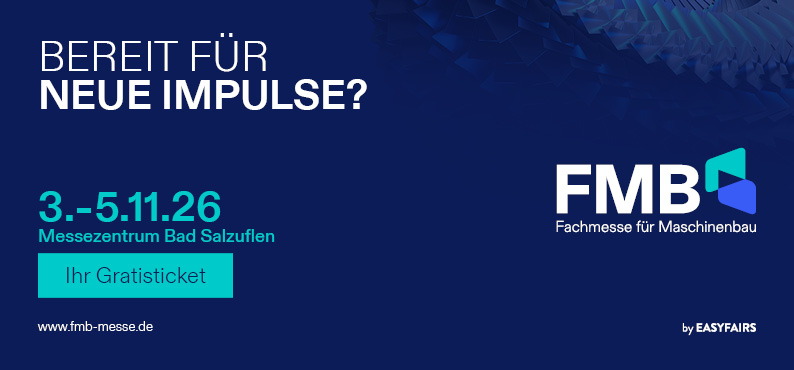
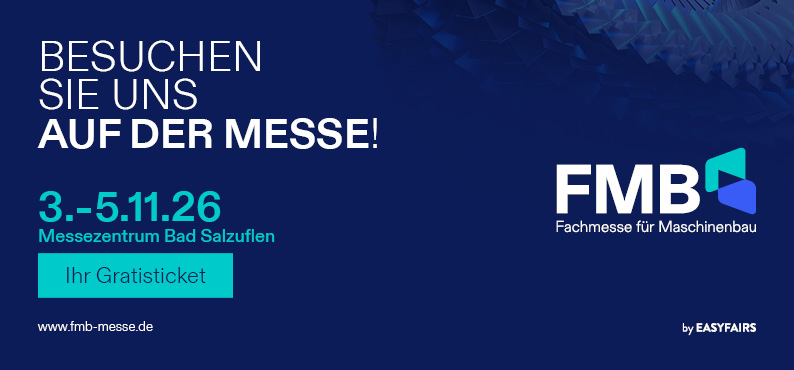
Create customised banners featuring your stand number – perfect for your website, email signatures and social media. The templates can be customised in just a few clicks: select a format, enter your stand number, then download the banner.
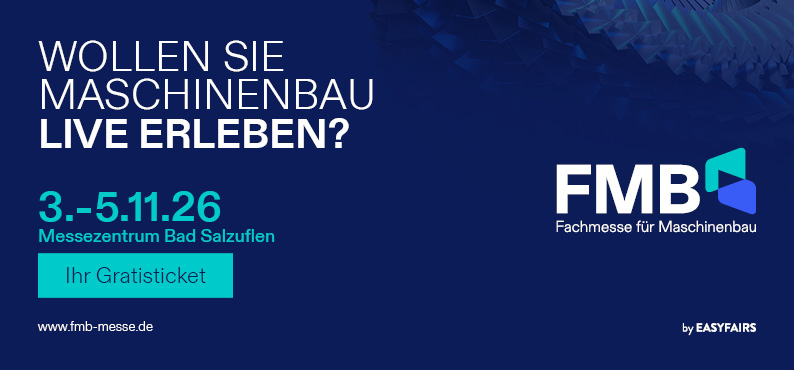
Tip: Always include your free ticket link with the banners to make it easier for your customers to register.
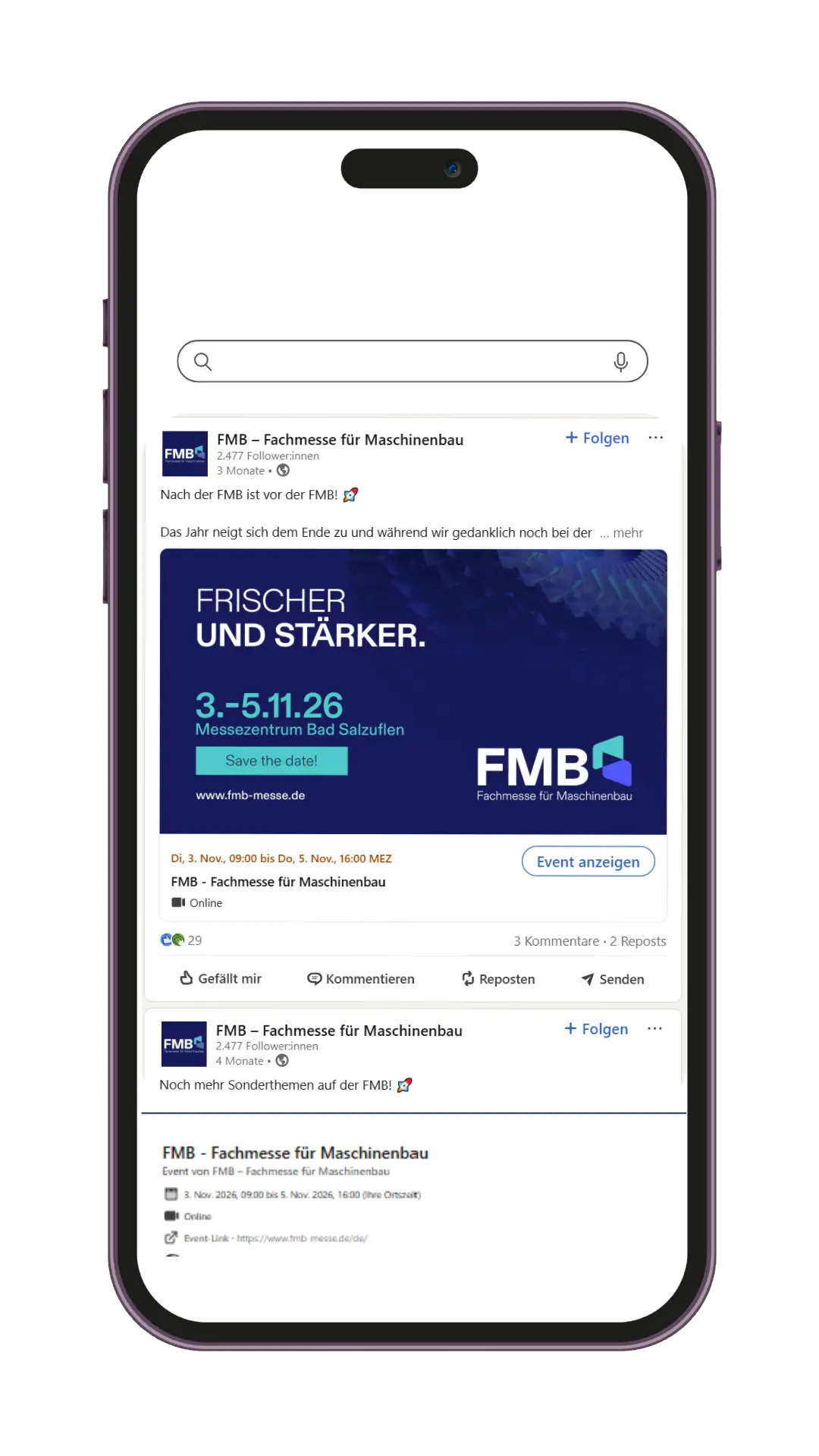
Promote your participation in the trade fair – on LinkedIn and other channels. Tag FMB in your own posts and like, comment on or share FMB posts. This will help you increase your reach whilst also supporting the trade fair.
Tip: Comment ‘We’ll be there’ under FMB posts or share the posts – ideally always including your invitation code or link.
Use FMB’s trade fair highlights and videos to show your customers, in an authentic way, what they can expect – in an eye-catching and effective manner.
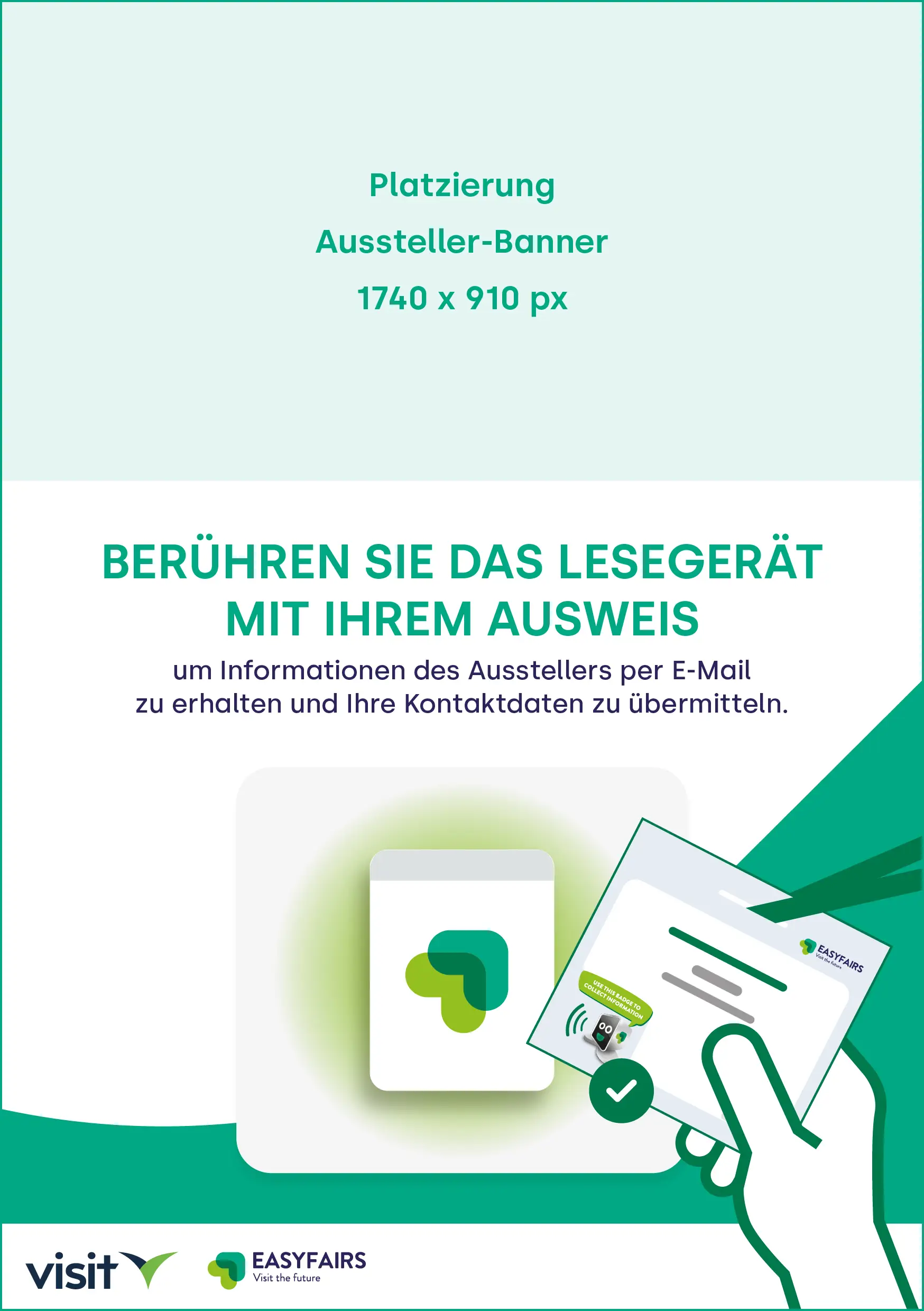
Customise the inlay (insert) for the reader(s) at your stand with a bespoke graphic. This allows the devices to be clearly associated with your company or a specific product – whilst also boosting the visibility and impact of your branding.
All you need is a graphic measuring 1740x910px, which you can insert into the inlay graphic using the generator.
The banner is automatically placed above the insert and the graphic can be downloaded. Finally, you need to print out the graphic, cut it out and place the insert into the Smart Badge stand on site.